AI Agents: What Actually Changed in Workflow Automation
Most payroll and compliance teams have workflows that everyone agrees should be automated and never are. Not because no one tried, but because the tools available couldn't handle the reading, interpretation, and multi-step judgment those workflows require. Chasing state portals, responding to tax notices, onboarding across jurisdictions: AI agents are the first technology that can actually take those on.

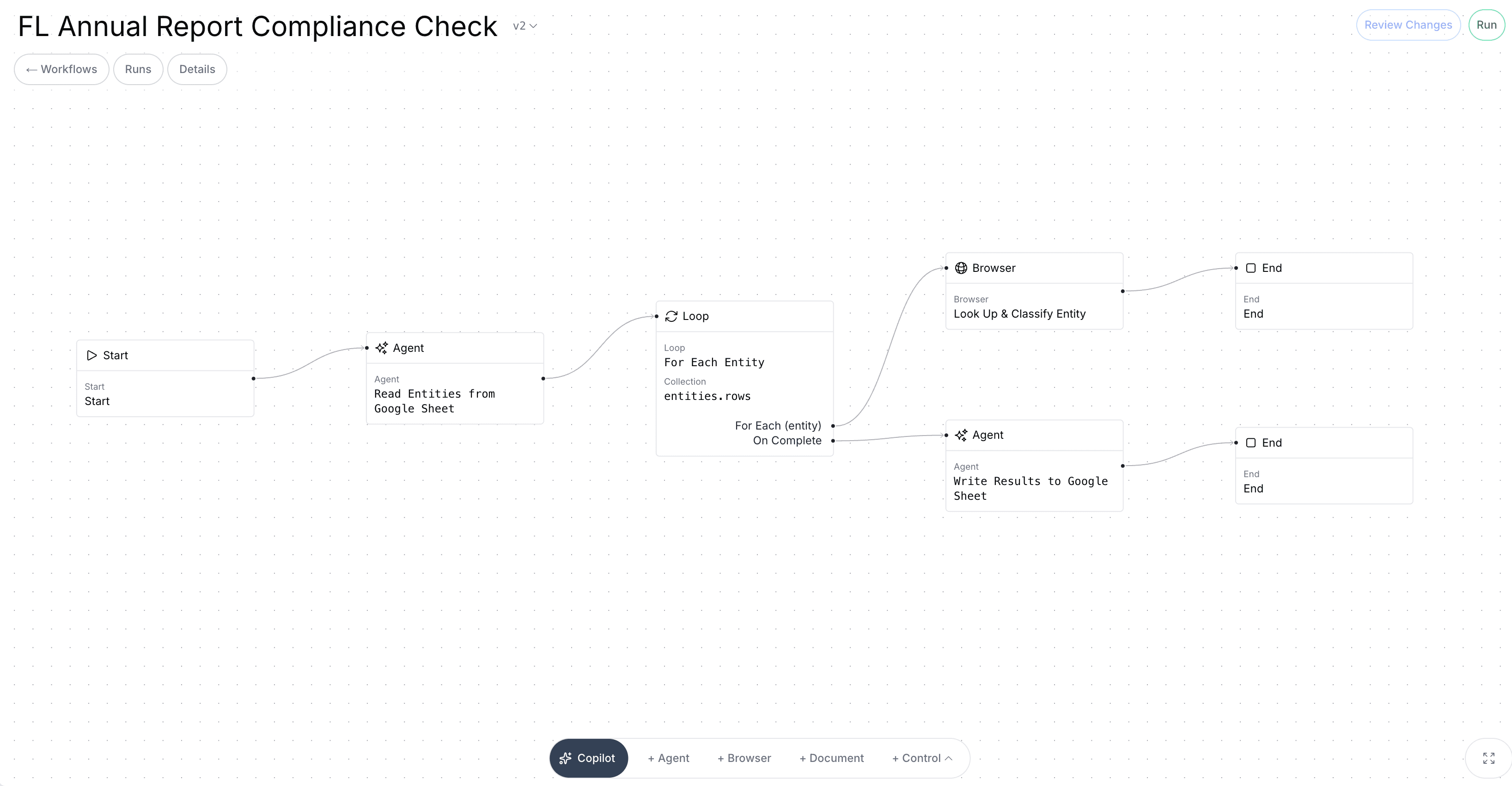
Automation promised to eliminate manual work for decades. This time it’s genuinely different, and here’s what it means for the workflows that have always resisted it.
Most operations teams have a list of workflows that everyone agrees should be automated, and that never actually get automated. Not because no one tried, or because the problem wasn't painful enough. But because every tool that came along to solve it eventually hit the same wall: the workflow required reading something, interpreting it, making a judgment call, and then acting across multiple systems in a sequence that varied every single time.
So the work stayed manual. And it still is, in most organizations, today.
Every generation of automation technology has promised to change this: macros, RPAs, low-code platforms, workflow builders. Each wave did make real progress and eliminating manual work for teams. But that same category of stubborn workflows kept surviving untouched. The ones that were too variable, too dependent on interpretation, too spread across systems that didn't talk to each other.
AI agents are the first bit of technology that can actually handle those workflows. Not just because they're faster, but because they can do adapt to any situation. Here's what changed, why it matters, and what it means for the operations work that has never stopped being done by hand.
What the Previous Waves Actually Did (And Didn't Do)
To understand what's new, it helps to be precise about what came before.
Macros and scripting were the first step in the progression. The core idea was simple: if a human does the exact same sequence of actions repeatedly, you could write code to automate it instead. This worked well for single-system, fully predictable tasks like generating a report, formatting a spreadsheet or populating a form with known data. But when it came to slight changes, a new column in the spreadsheet or a rule that varied by state, the script would silently break and send the work back to a human with no warning.
RPA (robotic process automation) came next and was more ambitious. Instead of automating within a single system, RPA bots could move across systems, mimicking the clicks and keystrokes of a human navigating between applications. This was genuinely useful for certain high-volume, cross-system tasks, and large enterprises spent heavily on it. But RPA was still fundamentally based on a strict set of rules. Every possible path through a workflow had to be mapped and coded in advance. Exceptions (and in compliance for example, there are always exceptions) fell back to humans. The bots were fragile, the maintenance burden was high, and the ROI on anything that touched unstructured data or variable logic was often disappointing.
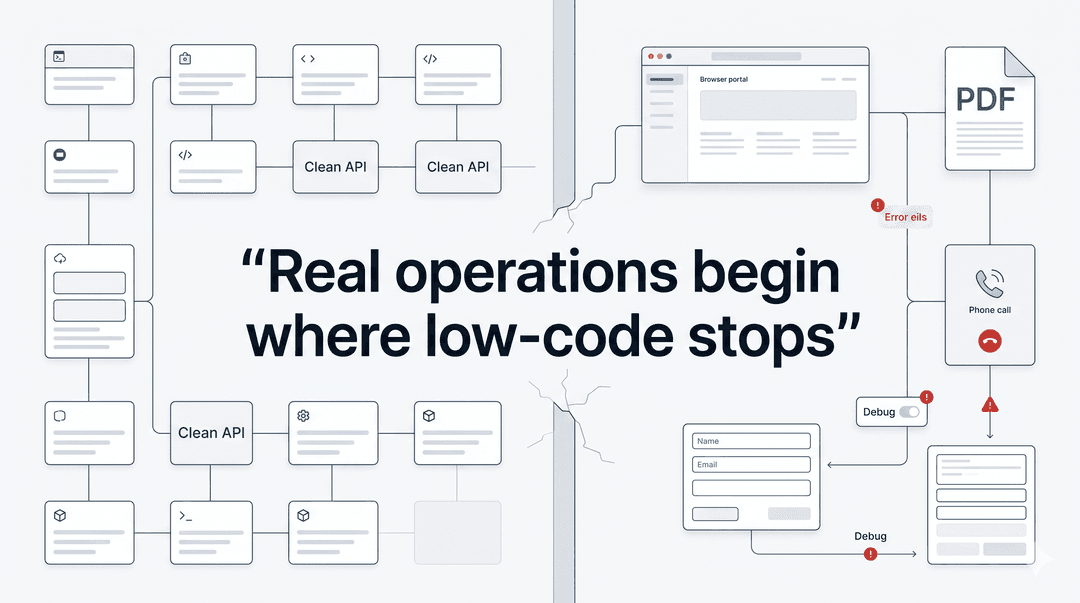
Low-code and workflow builders shifted the promise from automating clicks to connecting systems. Tools like Zapier, Make, and their enterprise equivalents let teams build automated sequences triggered by events: a form submission triggers a data entry, a new file triggers a notification, an approval triggers the next step. For linear workflows with clean, structured data moving between well-supported software integrations, these tools work well. For anything that required reading a document, interpreting an ambiguous input, or navigating a government portal that didn't have an API, they offered nothing.
The pattern across all three waves is the same: they required the workflow to be fully defined in advance. Every branch, every condition, every possible input had to be anticipated and coded. The automation was only as good as the rules it was given. When reality deviated from those rules, which in compliance and operations work it constantly does, the workflow broke or kicked back to a human.
The Hardcoding Problem Nobody Talks About
Here is what this has actually produced in practice, and it is more widespread than most operations leaders want to admit: companies believe they have automated a workflow, when in reality they have hardcoded a script around a specific version of that workflow that existed on the day someone built it.
The script works. Until the state agency updates its portal layout, until a new required field appears on a form, until a filing deadline changes or until the data format from the payroll system shifts in an update. At that point, you’re back to square 1, and someone has to file a ticket for an engineer who has to go into code they didn't write to figure out why something that worked last month isn't working today.
This is one of the most underreported failure modes in operations automation. The problem isn't that teams haven't tried to automate; it's that the tools available required such rigid pre-specification that the automations became liabilities as soon as the world changed around them. In industries like payroll and compliance, the world changes constantly: States update portals, agencies change form requirements and rules will vary by jurisdiction and change by legislative session.
The result is that a huge proportion of "automated" compliance workflows are actually hardcoded scripts held together with institutional knowledge and the availability of whoever built them. That is not automation, that’s just tech debt wearing an automation costume.
The Workflows That Always Fell Through the Cracks
There is a specific category of work that survived every wave of automation, not because it was overlooked, but because it was genuinely resistant to the tools that existed. These workflows share a recognizable set of characteristics.
They involve unstructured inputs. PDFs, emails, scanned documents, portal screenshots, notices from government agencies that don't follow a consistent format and don't come with an API. The first step in the workflow is always reading and understanding something, which no prior generation of automation tools could do.
They require context and interpretation. Not just "is this field populated?" but "what is this notice actually claiming, and is that claim correct given our filing history?" That is a judgment call, and judgment calls don't fit into if-then logic trees.
They span multiple systems and steps with no clean handoffs. Register in a new state, and you need to navigate the state's portal, cross-reference your payroll system, set up TPA authorization, and update records, all across systems that don't talk to each other whilst in a sequence that varies based on what you find at each step.
They involve jurisdiction-specific rules that vary and change. What's required for a state unemployment account setup in California is different from Ohio, which is different from Texas, and all three of them changed something in the last twelve months. No static rule set can stay current.
These aren't edge cases. They are the core of payroll operations and compliance work: state registration, employee onboarding, unemployment claims, tax notice resolution. The work that takes the most time tends to cause the most errors, and unfortunately they always have the highest stakes if something goes wrong. Until recently, there was no realistic path to automating any of it.
What AI Agents Actually Changed
The shift that AI agents represent is not just about speed. A well-built AI agent isn't primarily valuable because it completes a workflow faster than a human, though it does. It's valuable because it can think and make decisions similar to a human.
Three specific capabilities make this true.
First: reading and understanding unstructured documents. An AI agent can receive a tax notice as a PDF, parse it, identify what type of notice it is, extract the relevant claims and amounts, cross-reference it against filing history, and determine what kind of response is required. This isn’t pattern-matching against a template. It’s reading the way a trained human reads, understanding context, handling variation and flagging discrepancies when something doesn't add up.
This alone eliminates the first bottleneck in most compliance workflows, which is always "someone has to read this and figure out what it is."
Second: reasoning across multiple steps with branching logic. The limitation of every prior automation approach was that branching logic had to be hardcoded. Every path had to be anticipated in advance. AI agents can reason through sequences of steps dynamically, adapting to what they find at each stage. "Given what this notice says and what our filing history shows, the right next step is to pull these specific records and draft a response citing this specific regulation." That is not a static rule, it's a reasoning process, which are now executable by agents
Third: navigating novel environments. This is perhaps the most practically significant capability for operation teams. An AI agent can visit a state agency portal it has never encountered, understand the layout and purpose of what it is looking at, identify the relevant fields and actions, and complete a task without having been specifically programmed for that portal.
This directly addresses the hardcoding problem. You no longer need to write a custom script for every state's unemployment portal, re-engineer it when the portal updates, and maintain a library of brittle, jurisdiction-specific automations. An agent navigates the portal the way a new employee would: by looking at it, understanding it, and figuring out what to do.
The result is a different class of automation. Not automation of tasks that were already easy to define, but automation of workflows that required a trained human to read, decide, and act, with a human reviewing and approving the output rather than producing it.
The New Mental Model: Reviewer, Not Doer
The most important shift that AI agents enable isn't technical; it's the change in how skilled people relate to their work.
Under the old model, a payroll administrator or compliance specialist was the doer. They received the work, did the work, and submitted the result. Tools might assist at the margins, with a template here or a lookup table there, but the human was always in the center of the workflow.
Under the new model, the agent is the doer and the human is the reviewer. The workflow runs. The agent reads the notice, researches the relevant rules, navigates the portal, prepares the response. The human reviews what the agent has produced, verifies it against their judgment and expertise, and approves it for submission.
This is a structural change in what skilled operations work actually consists of. Instead of spending four hours completing a state registration, a payroll specialist spends twenty minutes reviewing one. The expertise doesn't disappear; it moves upstream, into judgment and oversight rather than execution.
The workflows where this matters most share a specific profile: high-stakes, high-repetition, and high-variation. Which describes almost every workflow in payroll operations and compliance. State registrations vary by jurisdiction but follow similar patterns. Unemployment claims have consistent structure but differ in specifics. Tax notices come in different forms but require similar research and response processes. These are exactly the conditions under which agentic automation delivers the most value.
What to Look for in a Workflow That's Ready for an Agent
Not every workflow is an equal candidate. The ones that will see the most immediate value from agentic automation tend to share a recognizable set of characteristics.
High repetition. The workflow runs frequently, across many clients, many states, many cases. The more times it runs, the more the efficiency gain compounds.
Defined outcome. There is a clear, verifiable definition of what "done" looks like. A filed registration. A submitted response. A completed onboarding checklist. Ambiguous endpoints make it difficult to know when the agent is finished.
Unstructured inputs. The hard part of the workflow is reading and interpreting something, not just moving known data between known fields. If the bottleneck is a PDF, an email, or a government notice, the workflow is a strong candidate.
Multi-step with branching. The workflow is a sequence of dependent steps, not a single action. What happens at step three depends on what was found at step two. Linear, single-action tasks can be automated with simpler tools; it's the multi-step, variable-path workflows where agents add the most that couldn't be done before.
A research component. The workflow requires pulling information from multiple sources before acting: filing history, state-specific rules, prior correspondence, account details. This is exactly the kind of work agents handle well and humans find most tedious.
A human reviewer at the end. Anything that will be submitted to an external party, a government agency, a client, a financial institution, should have a human review before it goes out. This is good practice, and it's where the skilled human's time is best spent.
The Workflows That Survived Every Other Wave
There is something clarifying about tracing the history of automation and noticing which workflows are still being done by hand. It's not randomness. It's not neglect. It is the consistent result of tools that required full pre-specification meeting work that is inherently variable and judgment-dependent.
Those workflows, the ones that eat hours of operations time every week, the ones every team knows should be automated but have never been successfully automated, are now genuinely solvable problems.
The question for most operations leaders is no longer whether to automate them. It is which ones to start with, how to structure the human review layer, and how to build toward a model where skilled people spend their time on the work that actually requires them.
The era of workflows that are too complex to automate is ending. Not because the complexity went away, but because there is finally something that can navigate it.

Champ AI turns enterprise workflows into autonomous agents. Request a demo →